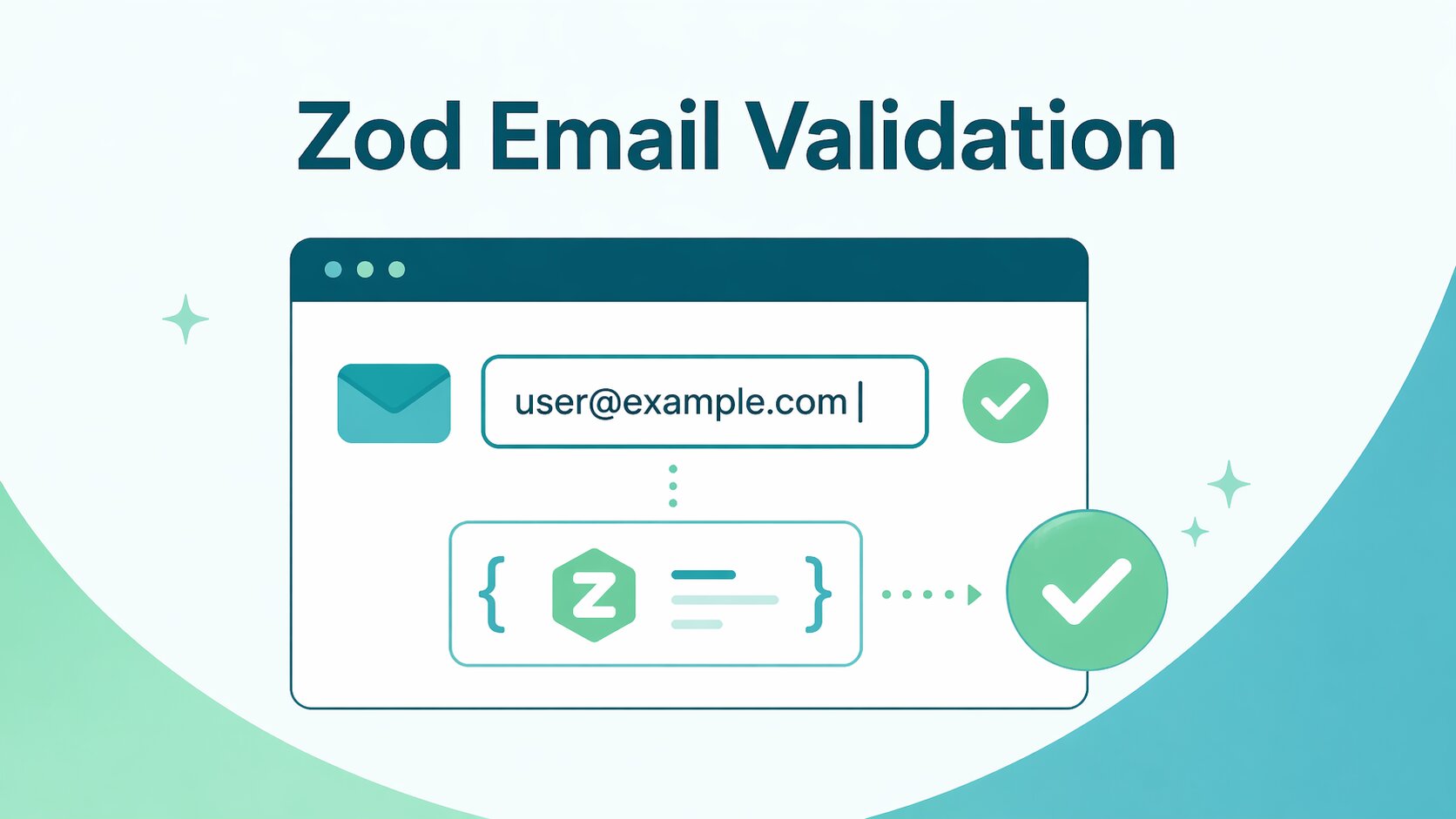
Developers building TypeScript applications need a reliable way to validate email addresses across forms and APIs without wrestling with giant, unmaintainable regular expressions. Relying on custom regex patterns often leads to brittle codebases, where obscure email formats crash the application or valid users are incorrectly blocked from signing up. Zod solves this friction by providing a robust, schema-driven approach to data validation that seamlessly enforces type safety from the frontend client to the backend server.
In this guide, we will explore the native way to implement Zod email validation, showing you how to customize strictness and handle parsing errors cleanly. You will learn how to wire these schemas directly into request handlers and popular UI tools like React Hook Form. We will also cover exactly when you must step beyond simple syntax rules to ensure real confidence in your user data.
However, it is critical to understand the technical boundaries of what this library can actually accomplish. Zod is strictly designed for structural format and input quality checks, acting like a digital bouncer verifying the shape of an ID card at the door. It absolutely cannot confirm whether the underlying mailbox actually exists, accepts mail, or will guarantee inbox deliverability for your downstream workflows.
TL;DR: Relying on giant, unmaintainable regular expressions to validate emails in TypeScript applications inevitably leads to brittle code and falsely rejected users. Zod solves this frontend friction by using schema-driven syntax checks to instantly block malformed data before it ever hits your database. However, treating a successful Zod .safeParse() as proof of life is a dangerous architectural flaw. Syntax validation is completely blind to the real world and cannot detect deactivated inboxes, disposable domains, or corporate catch-all servers. To protect your backend from bounce spikes and ruined sender reputation, engineering teams must use Zod as a digital bouncer for syntax, then immediately pass the formatted string to an out-of-band verification API like Allegrow to conclusively prove the mailbox actually exists.
What is Zod email validation and what does it actually check?
Zod email validation is a built-in schema rule that verifies whether a user's input matches the structural requirements of a standard email address. By applying Zod’s built-in email validation, the library uses a regular expression to instantly catch obvious typos and malformed data before it touches your backend logic. However, passing this structural check does not mean the email address is actually deliverable. Zod has no mechanism to query external servers, meaning it cannot verify if the mailbox exists, if the domain accepts mail, or if the address belongs to an active user.
The practical implication for development teams is straightforward: rely on Zod to enforce baseline data hygiene and block garbage inputs at the application boundary. Once the format is strictly guaranteed by your schema, you must evaluate your specific product risk to determine the next technical steps. If your platform relies heavily on accurate contact data for billing, core onboarding flows, or outbound motions, you will ultimately need to layer dedicated mailbox-level deliverability checks on top of this initial syntax validation.
How do you validate an email with Zod?
Before validating raw user input, you must normalize the data to prevent frustrating false rejections caused by invisible characters. Chaining methods like .trim() and .toLowerCase() directly onto your Zod string definition automatically cleans up accidental whitespace or capitalization before the validation even runs. Once the input is normalized, the baseline validation pattern requires defining a string schema and appending the z.email() method.
You should always include a clear, custom error message in the validation rule, such as z.email({ error: "Please enter a valid email address" }). By explicitly defining this text rather than relying on Zod's generic default, you guarantee consistent error messaging across both your frontend UI tooltips and your backend API responses.
When executing this schema against actual data, developers must choose between the .parse() and .safeParse() methods. Using .parse() will throw a synchronous exception if the email format is invalid. If this exception is not properly caught in a strict try-catch block, it can unexpectedly crash your application or completely break an API route. Because of this aggressive error throwing, relying on .parse() for unpredictable user input is generally discouraged in production environments.
To keep your request handlers resilient, the industry standard is to evaluate user input using the .safeParse() method instead. This safer alternative evaluates the data and returns a predictable object containing either the successfully parsed email or a structured error payload. By simply inspecting the success boolean on this returned object, your controllers can gracefully map Zod's validation issues directly to a clean HTTP 400 response without ever throwing a hard exception.
Which Zod email regex should you use for your audience?
Out of the box, Zod applies a default regular expression that strikes a solid balance for most standard email formats. However, relying blindly on this default can quickly become a liability depending on your specific user base. The fundamental tradeoff in email validation is that stricter patterns effectively reduce junk signups, but they drastically increase the risk of falsely rejecting legitimate users. To protect your conversion rates, you must align your validation strictness directly with the type of audience your application serves.
Consumer applications generally benefit from a stricter regex pattern to filter out low-effort spam and obvious typos during high-volume signups. In contrast, B2B platforms must be significantly more tolerant of obscure edge cases and legacy corporate formats. Because enterprise routing often involves deeply nested subdomains or unusual character combinations, a highly restrictive regex will silently block your most valuable corporate leads.
Furthermore, global applications must account for internationalized email addresses containing Unicode characters. Since the adoption of the IETF's RFC 6531 standard (SMTPUTF8), mail servers globally support non-Latin alphabets; a standard ASCII-based regex will immediately reject these valid users. Configuring your validation rules to accept Unicode is a strict business requirement for international accessibility to prevent silent drop-offs.
Ultimately, you must weigh the cost of a lost signup against the friction of dealing with a slightly malformed database entry. When in doubt, lean toward a more permissive regex to capture the user, and rely on downstream deliverability checks to verify the actual mailbox later.
How do you customize the email validation rule in Zod?
Sometimes the default Zod email validation does not fit specific internal business rules, requiring developers to override the underlying regular expression. In current Zod docs, the cleaner way to customize email validation is to keep the email format API and pass a custom pattern, for example with z.email({ pattern: ... }).
You should only justify this override when you have highly specific compliance requirements that the standard format simply cannot accommodate. A common mistake teams make is trying to cram domain restrictions—like blocking free webmail providers—into this single, monolithic regex pattern. Doing so creates an unreadable string of characters that becomes incredibly difficult to debug when valid users are inevitably rejected. Instead, you should separate your format validation from your business logic by chaining a .refine() method onto your schema to handle domain allowlists and denylists cleanly.
Whenever you introduce a custom regex or complex refinement rule, prioritizing long-term maintainability is critical for your team. You must keep these custom patterns strictly versioned and backed by a comprehensive suite of unit tests covering known edge cases. Without this strict testing discipline, a single undocumented tweak to your validation logic can silently block legitimate signups before anyone notices the drop in conversion.
How do you validate confirm email fields with Zod?
When building registration forms, teams frequently require users to type their email twice to prevent accidental lockouts caused by simple typos. To enforce this safely, your Zod schema must evaluate a two-field object rather than just a single string. It is a critical guardrail to still apply the standard email validation rules to both the primary and confirmation fields before attempting to check them for equality.
Once both fields pass baseline formatting, you can execute a cross-field equality check by appending the .refine() method directly to the parent object schema. This refinement function compares the two string values and throws a custom error if they do not match perfectly.
When a mismatch occurs, the resulting user experience heavily depends on where this validation error is surfaced in the UI. By default, Zod attaches object-level refinement errors to the root of the form, which leaves the user entirely confused about what went wrong. To solve this, you must explicitly configure the refinement path to assign the error directly to the "confirm email" input. This targeted feedback ensures the user knows exactly where to make their correction without guessing.
How do you use Zod email validation with React Hook Form?
React Hook Form is a widely used library for managing form state, but it does not include schema validation on its own. Following the official React Hook Form documentation, developers should install the @hookform/resolvers package to seamlessly wire their Zod schema directly into the form's configuration object. By passing your predefined schema into this resolver, React Hook Form automatically intercepts user input and runs it against your Zod rules before submission. This integration allows you to effortlessly extract structured field-level error messages and render them directly beneath the email input component.
Instead of defining validation rules inline within every single form component, you should extract your Zod email logic into a centralized, shared file. Exporting a single schema ensures that your login, registration, and password reset forms all evaluate email addresses with the exact same strictness. This centralized approach guarantees absolute consistency across your entire application while drastically reducing maintenance overhead when your formatting rules inevitably evolve.
A critical UX pitfall when configuring this integration is choosing the wrong validation trigger mode. If you set React Hook Form to validate strictly on change from the very first keystroke, your UI will instantly scream at the user with an error state while they are still typing. This overly aggressive feedback loop creates a highly frustrating and noisy experience that actively damages conversion rates.
In many cases, teams prefer validating on submit or blur to avoid noisy feedback while the user is still typing, but the right mode depends on the UX you want. This patient configuration allows the user to actually finish typing their complete email address before the Zod schema executes its judgment. With React Hook Form’s default onSubmit mode, invalid inputs are typically re-validated after submission, which can make follow-up correction feel more responsive.
How do you validate emails on the server with Zod?
When building a robust backend API, you can never trust that the incoming payload is perfectly formatted just because your frontend has validation in place. Malicious actors or out-of-sync clients can easily bypass client-side checks and send raw, malformed data directly to your endpoints. To protect your server logic, you must validate every incoming payload at the application boundary using the exact same Zod schema deployed on the frontend. By executing a .safeParse() operation on the request body, you intercept invalid email addresses before they ever interact with your database.
Relying on safe parsing rather than standard parsing ensures that your API responses remain completely predictable. If the validation fails, the method returns a clean object containing the specific schema violations instead of throwing a disruptive server exception. Your request handler can then instantly return a standardized HTTP 400 response containing these structured error messages, giving API consumers a clear path to correct their input.
While basic format validation happens synchronously, server-side environments frequently require deeper, database-dependent checks during the validation phase. For example, when a user attempts to register, you must verify that their submitted email address is not already tied to an existing account. Zod handles this gracefully through async refinements, allowing you to query your database directly within the schema definition to enforce uniqueness. When you chain an asynchronous refinement to your email string, you instruct the validation pipeline to wait for the database lookup to resolve before returning the final payload.
To execute this asynchronous logic correctly, you must switch to an async parsing method such as .parseAsync() or .safeParseAsync(). This critical adjustment ensures the runtime correctly awaits the database response and handles potential network latency without blocking other server processes. By combining synchronous format checks with asynchronous uniqueness checks in a single schema, your backend code remains remarkably clean and highly secure.
When is Zod email validation not enough?
Zod excels at ensuring an email address is syntactically perfect, but format validation is completely blind to the real world. Because the library never communicates with external servers, it creates a massive blind spot for common failure modes like disposable domains, generic role-based accounts, or complex enterprise catch-all configurations.
For product teams, treating a perfectly formatted string as a guaranteed contact inevitably leads to downstream consequences. As fake signups accumulate and critical lifecycle emails bounce into the void, your marketing domain reputation plummets. Engineers are then forced to waste cycles cleaning up polluted databases instead of building core features.
This risk multiplies exponentially when applied to the outbound flows of Go-To-Market teams and B2B data providers. Relying on syntax validation alone for cold email campaigns guarantees a high bounce rate, which quickly triggers strict spam filters to blacklist your sending domain entirely. Data providers supplying these lists face massive churn when customers realize their purchased leads are structurally valid but practically useless. Ultimately, when sales reps are fed unverified data, they waste hours executing sequences against dead inboxes rather than engaging real buyers.
To protect your core metrics and guarantee mailbox-level accuracy, you must treat Zod as merely the first step of a secure data pipeline. Once the syntax is verified, modern systems must immediately transition to specialized deliverability checks to ensure the address can actually receive mail.
How do you check deliverability after Zod email validation?
Once Zod successfully clears the structural junk from your input, your system must immediately hand the data over to a dedicated deliverability check. This secondary phase moves beyond static regular expressions to actively query the receiving mail server in real-time to see if it actually accepts messages.
Rather than relying on binary format validation, sophisticated teams classify these server responses into actionable tiers like deliverable, risky, or block. A clear block status instantly removes dead inboxes and disposable domains to protect your sender reputation from hard bounces. Conversely, risky statuses require more nuanced handling, as enterprise firewalls often intentionally obscure whether a mailbox truly exists.
This ambiguity is exactly why revenue teams managing complex B2B lists cannot rely on basic server pings alone. They need a specialized system capable of interpreting deep deliverability signals to safely navigate heavy corporate security configurations.
To solve this, GTM teams integrate platforms like Allegrow directly into their data pipelines to handle the heavy lifting after Zod finishes its job. Allegrow's advanced email verification specifically targets B2B complexities, layering multiple data signals to confidently resolve hard-to-verify catch-all domains and secure email gateways. By combining Zod's instant syntax filtering with Allegrow's deep server diagnostics, you guarantee your outbound campaigns only target real, active buyers.
What are the most common mistakes teams make with Zod email validation?
One of the most frequent errors engineering teams make is deploying overly strict custom regular expressions to block specific domain types. While attempting to filter out free webmail or obscure top-level domains, these rigid patterns inevitably reject legitimate, paying customers who happen to use unconventional addresses. Usability research from the Baymard Institute confirms that aggressive inline validation errors—such as rejecting a legitimate but unconventional email address—cause severe friction and directly drive form abandonment. This silent killer of conversion rates often goes completely unnoticed until the revenue team actively audits a sudden drop-off in the onboarding funnel.
Another major pitfall is treating a successful Zod parse as absolute proof that an email address is real and active. Developers often wire up their database to accept any syntactically valid string, assuming their validation job is completely finished. This ignores the harsh reality of disposable addresses, role-based accounts, and inevitable hard bounces. Ultimately, this false sense of security rapidly degrades the platform's sender reputation as marketing campaigns are blasted blindly into non-existent inboxes.
Beyond deliverability risks, teams frequently create disjointed user experiences by failing to share their validation schemas between the frontend client and the backend server. If the React application uses Zod's default permissive check while the Node API enforces a strict custom regex, users will easily pass the UI validation only to face an unexplained server error upon submission.
To prevent these hard-to-debug state mismatches, you must strictly export a single source of truth for your email rules across your entire TypeScript stack. This centralized architecture guarantees that the exact same validation logic safely evaluates the user's input at every single boundary of your application.
Conclusion
Zod email validation provides an essential first line of defense against malformed data and obvious syntax errors. A resilient TypeScript architecture relies on deploying a shared validation schema across both client and server boundaries, utilizing safe parsing techniques to handle unpredictable input. By carefully tuning your regex strictness and backing it with comprehensive test sets, you instantly reduce the junk data hitting your database.
However, flawless syntax can never guarantee that a mailbox actually exists or will successfully accept your downstream messages. To achieve true deliverability confidence and protect your sender reputation, you must layer advanced server-level verification on top of your initial format checks. You can start a 14-Day Free Trial of Allegrow today to automatically audit up to 1,000 B2B addresses via CSV upload. By safely detecting primary executive inboxes and cleanly navigating catch-all domains, you secure definitive deliverability statuses before sending a single message.
FAQs about Zod email validation
Should I use parse or safeParse in Zod?
You should almost always use the .safeParse() method when handling unpredictable user input in production environments. While standard parsing throws a disruptive synchronous exception upon failure, safe parsing returns a predictable object containing either the data or structured error messages. This non-blocking behavior is incredibly valuable for backend APIs, allowing your controllers to gracefully map validation failures to clean HTTP 400 responses without crashing.
How do I customize the Zod email regex?
You can customize Zod’s email validation by supplying a custom pattern, such as the HTML5-style regex, the RFC 5322-style regex, or Zod’s looser Unicode-friendly regex, depending on your requirements.
How do I validate confirm email fields with Zod?
To validate a confirmation field, you must build an object schema containing both email inputs and append a .refine() method to perform a cross-field equality check. If the two string values do not match perfectly, this refinement function will trigger your custom validation error. For a highly intuitive user experience, you must configure the refinement path to attach this error directly to the confirm input so users know exactly what to fix.
Can Zod check if an email address exists?
No, Zod absolutely cannot check if an email address actually exists or if the underlying mailbox is active. The library strictly performs structural format validation against a regular expression without ever communicating with external mail servers. To confirm real-world existence and ensure inbox deliverability, you must layer a dedicated verification platform on top of your initial Zod formatting rules.
How do I validate email uniqueness with Zod?
You can enforce email uniqueness by chaining an asynchronous .refine() method to your schema that actively queries your database for existing records. When integrating this logic, you need to switch from synchronous parsing to an async parsing method such as .parseAsync() or .safeParseAsync(). This ensures your server runtime correctly awaits the database lookup and handles network latency without blocking the rest of your application flow.