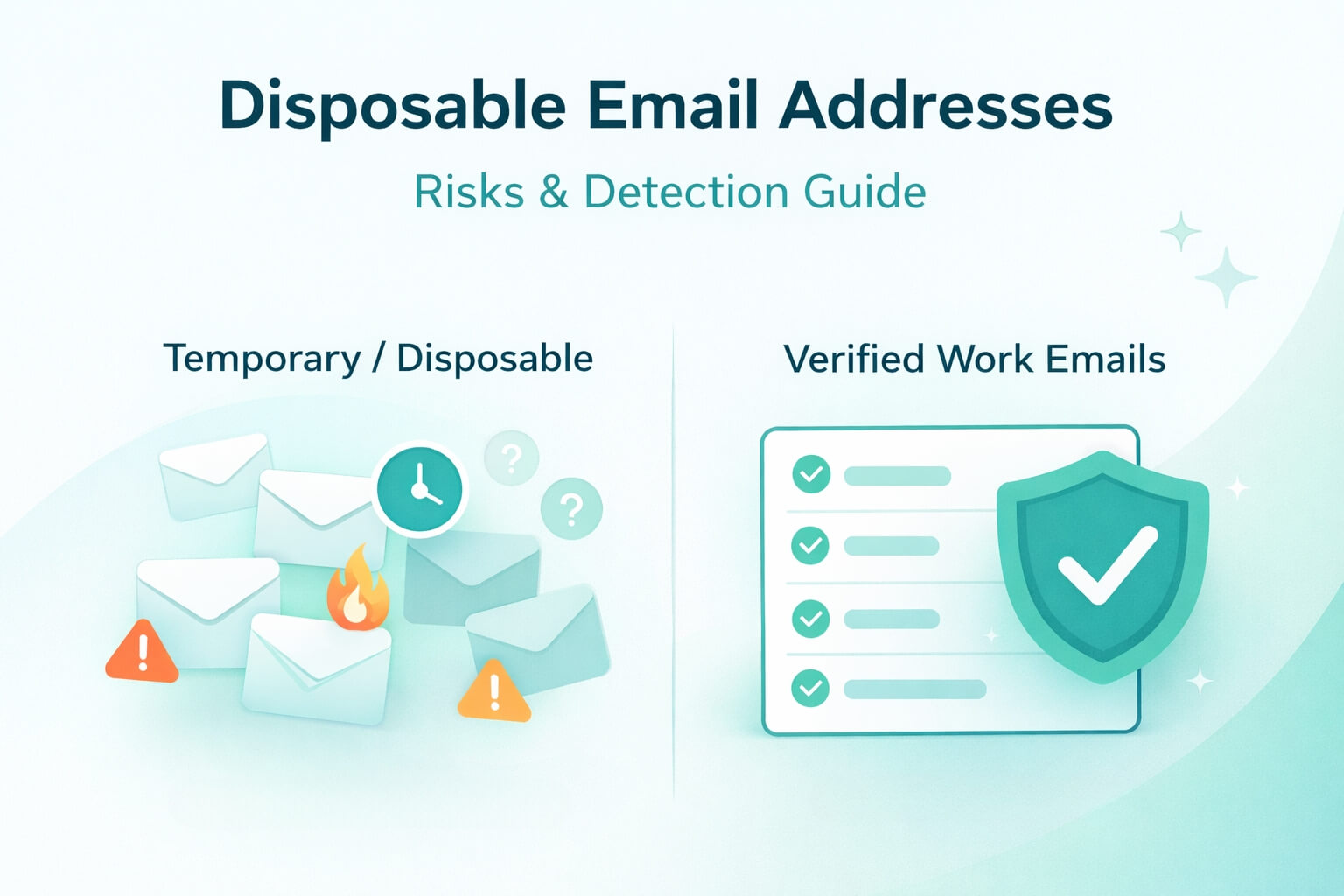
A disposable email address is a temporary mailbox created to receive messages for a short period before it expires. For users, this is a privacy shield against spam. For businesses, disposable email addresses are a deliverability trap that inflates bounce rates, damages sender reputation, and fills CRM systems with junk data.
This definitive guide explains what disposable emails really are, how they work, the different categories of temporary inboxes, and the risks they create inside B2B funnels. It also outlines the Allegrow Strategy for detecting and blocking disposable emails in B2B funnels that goes beyond the surface-level checks of traditional tools.
TL;DR: A disposable email address is a temporary mailbox created to receive messages for a short duration before expiring, serving as a privacy shield for users but a significant deliverability trap for businesses. While consumers use them to avoid spam, in B2B contexts, these addresses inflate lead metrics with junk data and trigger severe reputation damage via hard bounces once the inbox deactivates. Consequently, revenue teams must move beyond manual blocklists and implement real-time API verification — using platforms like Allegrow to detect both blatant burner domains and sophisticated catch-all disguises — ensuring that only valid, high-intent corporate emails enter the CRM.
What is a Disposable Email Address
Before diving into categories and risks, it is important to define the concept clearly for both users and businesses.
A disposable email address, also known as a temporary email or throwaway email, is a short-lived mailbox used for a few minutes, hours, or days before it becomes inactive. Users primarily create them to avoid unwanted follow-up messages or to access content without providing their real inbox.
Now that we’ve seen the basic definition of what a disposable email address is, let’s take a closer look at the concept of disposable emails and how they actually work.
The Core Concept
Disposable email services are intentionally designed to be temporary, and are meant to exist anywhere from ten minutes to a few days. These inboxes are generated in seconds, without requiring any verification, passwords, or identity details. This makes them ideal for individuals who want quick access to a signup gate with minimal commitment.
When the timer expires, the mailbox is deleted, and any email received passed this point results in a bounce. From a business perspective, especially in B2B, these temporary email addresses are a direct threat to sender reputation.
How Disposable Email Services Work?
Disposable email platforms typically follow the same model. They often rely on public or auto-generated domains that rotate frequently. As such, anyone can enter the temporary inbox during its active period. Messages are stored briefly, then automatically wiped when the inbox expires.
Because these systems are not designed for long-term storage, deliverability consistency, or multi-stage communication, they produce high bounce rates and zero engagement. As soon as the user abandons the session or the timer expires, the mailbox stops accepting mail, resulting in an inevitable hard bounce. This aligns with findings from reputable industry sources such as Superhuman, which confirms that temporary email platforms do not behave like real inbox providers.
The 3 Main Types of Temporary Emails And Their Risk Levels
Not all temporary emails are equal. Understanding the differences is critical because each type carries unique risks and behaviors. Many companies incorrectly assume all disposables are “10-minute inboxes”, when in reality the ecosystems are often more complex.
Before diving in, here is a quick overview: burners behave unpredictably and expire fast, forwarding aliases connect to real inboxes but still cause issues, and shared public inboxes attract bots and produce extremely low engagement. Let’s dig deeper into each of these three categories.
1. Throwaway or Burner Accounts (High Risk)
Throwaway email accounts are the classic temporary inboxes most people imagine. These addresses last anywhere from 10 minutes to a few hours before being deleted. Their entire purpose of these mailboxes is to avoid long-term communication. These include classic temporary inbox tools such as 10MinuteMail or Guerrilla Mail-style services.
This category is the most harmful to B2B companies because these inboxes will inevitably expire before you can run a nurture sequence or sales campaign, leading to a hard bounce if you send them mail after their expiration. Hard bounces are one of the strongest negative signals mailbox providers track and can rapidly push your domain toward spam filtering if repeated at scale.
2. Forwarding Services and Aliases (Medium Risk)
Forwarding services are not technically disposable in the traditional sense, but they create similar issues. Tools like Apple Hide My Email and Mozilla Relay allow users to create randomized forwarding aliases. These aliases do initially deliver messages, but engagement is typically low. Many users disable forwarding without warning, meaning future communications will bounce with no clear reason.
In B2B funnels, this causes challenges. If a user signs up for a free trial or subscribes to gated content with a forwarding alias, your onboarding messages may not reach them. These users are also nearly impossible to qualify since the alias hides the actual domain and identity. While not as dangerous as burners, these addresses still produce dead ends in lead nurturing and sales development.
3. Shared Public Inboxes (High Risk)
Shared public inboxes, such as Mailinator, operate differently. Anyone can access the same inbox through a public dashboard by typing in the address. These services are used by developers, testers, and bots more than by real customers. They offer no privacy, security, or long-term inbox ownership.
Public inboxes introduce major risks. Since messages are publicly accessible and engagement is almost nonexistent, these inboxes often become targets for scraping tools and automated form fillers, which contaminate signup forms and distort analytics. For B2B organizations, this creates significant noise in funnels and CRM systems.
Why Do People Use Disposable Emails
Many businesses assume disposable emails come from “bad actors” or people deliberately trying to manipulate signup systems. In reality, the motivations are far more nuanced. People use disposable emails for several reasons. Primarily, they use them to protect themselves from perceived risks, maintain privacy, avoid marketing follow-ups, and test digital experiences with minimal friction.
Understanding user motivation helps businesses design better signup flows and reduce disposable email usage organically before relying on technical blocks. Below, we explore the three primary reasons people rely on disposable email services and how each motivation manifests during signups and product onboarding.
- Privacy and Security: Privacy is no longer a niche concern reserved for highly technical users. It has become a mainstream expectation, shaping how people interact with brands, sign up for products, and decide whether to trust a website with their personal information. Users want to protect themselves from data breaches, unwanted tracking, or their email being sold to brokers, and disposable emails are a great option for that.
- Avoiding Spam and Newsletter Overload: Many users download lead magnets expecting value, but fear that providing their real inbox will lead to aggressive nurture campaigns. Disposables allow them to access these PDFs, e-books, reports, and other content without long-term commitment.
- Testing and Development: Developers, testers, and automation engineers use disposable inboxes to validate product flows without creating endless real accounts. These users typically do not intend to convert, which explains why this category produces extremely low engagement for businesses.
The Hidden Costs: Why Disposable Emails Hurt Your Business
Disposable emails don’t just disrupt the cleanliness of your contact list - they create hidden, compounding costs across your entire go-to-market engine. This is where the business impact of these mailboxes becomes clear.
While disposables benefit users, they create an invisible financial and operational burden for B2B companies. These issues show up in deliverability reporting, domain reputation, CRM health, and long-term analytics.
Most companies underestimate how severely disposable addresses distort funnel performance because they show up quietly, inflate top-line numbers, and deteriorate KPIs only after hitting scale. Below is a deeper look at the specific ways disposable emails sabotage operations behind the scenes.
Deliverability Damage (Hard Bounces)
Hard bounces are one of the strongest negative deliverability signals. If your bounce rate exceeds the safe range, typically around 2%, mailbox providers like Google and Microsoft begin deprioritizing your messages. Even a minor spike above this percentage can start to degrade your sender reputation, meaning even valid leads may stop seeing your emails in their inbox.
Over time, this creates a snowball effect that impacts every layer of your email strategy. As reputation falls, inbox placement declines, meaning fewer recipients ever see or engage with your content. Lower engagement then reinforces the algorithms’ conclusion that your list quality is poor, further reducing deliverability. What begins as a handful of expired temporary emails can ultimately result in widespread inboxing issues, weakened campaign performance, and a long recovery period that slows down your entire sales and marketing engine.
Skewed Marketing Analytics
Disposable emails artificially inflate your lead numbers and distort the performance of your marketing funnel. A user who signs up with a 10-minute inbox may seem like a new lead, but they are not a genuine prospect. When these individuals fail to engage with nurture campaigns or take the next step in the buyer journey, your metrics begin to show misleading patterns that do not reflect true audience intent.
These distorted numbers make it difficult for teams to make strategic decisions. Campaigns may look successful on the surface because they generated volume, but in reality, they attracted low-quality users who will never convert. This can cause marketing to double down on ineffective channels, misjudge the true cost of acquisition, and miscommunicate funnel performance to leadership. In short, disposable emails make it impossible to evaluate the health of your pipeline accurately.
The Zombie List Cost
Marketing automation platforms and CRMs charge based on the number of contacts stored, which means every disposable email you accept becomes an ongoing cost. These inactive contacts (the “zombies” in your database) sit quietly absorbing budget each month, despite never engaging, never converting, and often bouncing on subsequent sends. Since disposable emails often appear in large volumes around lead magnets, webinars, and trial sign-ups, the accumulated cost can grow surprisingly large over time.
Beyond the financial expense, these zombie contacts slowly degrade the quality of your database. They skew engagement metrics, weaken segmentation, and trigger workflows that waste resources on leads that were never viable. Over months or years, this pollution makes your CRM harder to manage, less accurate, and significantly more expensive to maintain. Organizations often underestimate the operational burden of storing bad data until it has already become too costly and time-consuming to manage.
How to Reduce Disposable Email Signups
The first line of defense for reducing disposable email signups is understanding user psychology, that is, why visitors choose burner emails in the first place. In most cases, they do it to avoid long-term communication or to quickly access a resource without committing to engagement. But how do you prevent that from happening?
When you adjust the design of your forms and your messaging to address the core motivations behind this issue, you naturally encourage real, high-intent email submissions. Prevention-focused strategies feel more user-friendly because they guide visitors toward providing higher-quality information rather than simply blocking them. When these subtle psychological cues are implemented effectively, companies consistently see better-quality contacts and a reduction in disposable email sign-ups even before applying verification filters.
Labeling Tweaks
The wording of your form fields has a measurable impact on user behavior. For example, changing a form field from “email” to “work email” sets a clearer expectation and signals that a professional inbox is preferred, which discourages users from entering temporary accounts. This simple wording shift consistently reduces disposable usage because it filters out low-intent visitors who aren’t willing to use their corporate identity.
Strengthen the Value Exchange
Users often turn to disposable emails when they believe they can access a resource instantly without checking their inbox. When your messaging clearly states that downloads, instructions, or reports will be delivered to their email, they understand that using a burner address prevents them from receiving the value they want. The more explicit you are about what will be delivered and how, the more users will feel compelled to rely on an email account they actually check.
SSO (Single Sign-On)
SSO options like “Sign in with Google” or “Sign in with Microsoft” eliminate free-text email fields entirely, ensuring users authenticate with persistent, verified accounts rather than temporary ones. Beyond reducing disposal usage, SSO offers a faster and more seamless experience for users. In B2B environments, where Microsoft SSO often reflects real corporate identities, users’ emails correlate with higher intent and professional engagement.
Add Real Time Verification
Real-time verification is the most reliable and scalable method for preventing disposable emails from entering your CRM. Instead of detecting the problem after the fact, verification takes place at the moment of form submission. If the email is temporary, auto-generated, risky, or low-quality, the user receives an immediate prompt asking them to enter a valid work address.
Allegrow’s real-time verification engine gives clear, instant valid/invalid decisions (even for catch-all domains), helping maintain list quality and preventing bad data from ever reaching your CRM.
How to Detect and Block Disposable Emails
Disposable email providers constantly rotate domains, subdomains, and server configurations, which makes detection a moving target. Businesses that rely on manual review or static blocklists quickly fall behind as new burner domains appear daily. The only effective strategy is to use real-time detection methods that evaluate the underlying infrastructure of the email domain rather than relying on known lists alone.
Blocking must happen before the contact enters your CRM or marketing system. Once a disposable email is stored, it creates downstream issues - from bouncing during nurture sequences to polluting analytics and triggering workflows unnecessarily. Effective detection prevents this upfront, preserving the health of your data and ensuring your pipeline reflects real buyer activity.
Manual Detection (The Impossible Task)
Manually identifying disposable or burner email domains is not feasible at scale. Temporary email services frequently generate new domains, subdomains, and naming patterns that appear legitimate and change weekly or even daily.
Some use common top-level domains or enterprise-like naming conventions, making visual inspection unreliable. As a result, relying on human review or static blocklists inevitably leads to missed disposable addresses and inconsistent data quality.
Real Time API Verification (The Solution)
Real-time API verification evaluates an email address at the exact moment it is submitted on your form page, analyzing multiple technical signals such as MX records, domain age, SMTP behavior, forwarding rules, and reputation indicators.
Allegrow’s verification engine is designed specifically for B2B environments and delivers definitive valid or invalid classifications rather than ambiguous “unknown” results. This allows teams to confidently block disposable and risky emails before they enter the CRM or trigger marketing and sales workflows.
Detecting Advanced Catch All Disguises
Some disposable email services deliberately hide behind catch-all domain configurations to bypass traditional verification tools, which often cannot confirm mailbox existence and default to inconclusive results.
Allegrow’s proprietary logic evaluates deeper infrastructure and behavioral signals to accurately classify these addresses, even when they appear to belong to legitimate catch-all domains. This prevents burner emails from slipping through because it exploits verification blind spots.
Should You Block All Disposable Emails (B2B vs B2C)
Whether or not you should block disposable email addresses depends largely on your audience and business model. While burner emails are almost always a liability in B2B environments, the same is not always true in consumer-facing products, where privacy tools are increasingly common. Applying the right strategy prevents unnecessary friction while protecting data quality.
The B2B Strategy (Strict Blocking)
In B2B software, disposable email usage is one of the clearest indicators of low purchase intent. These users are typically outside your ideal customer profile, lack decision-making authority, and are unlikely to engage beyond initial access to gated content or a trial. In most cases, they are looking for quick information rather than evaluating a product for real adoption. As a result, they rarely convert, respond to outreach, or progress through a sales cycle.
Allowing disposable emails into a B2B funnel creates measurable downstream costs. SDRs waste time attempting to contact leads that will never respond, lead scoring models become unreliable, and CRM data fills with unqualified records. Over time, repeated bounces from expired addresses can also harm sender reputation and email deliverability. Because B2B sales cycles are longer and more resource-intensive, strict blocking is the most effective way to protect pipeline integrity, preserve deliverability, and ensure sales efforts focus on real buyers.
The B2C Strategy (A Nuanced Approach)
In consumer-facing products, the motivations behind disposable email usage are often very different. Privacy-forward tools like Apple Hide My Email or email-forwarding services are increasingly used by legitimate users who want to protect their personal inbox from spam or data misuse. In these cases, disposable-style addresses do not necessarily indicate fraud, low intent, or abusive behavior - they simply reflect changing privacy expectations.
Blocking these addresses outright can negatively impact conversion rates and create unnecessary friction, especially for mobile-first or privacy-conscious audiences. A more effective approach in B2C is to warn users that disposable emails may limit communication or access, while still allowing them to proceed. Internally, these addresses can be flagged for monitoring, segmented differently, or excluded from certain campaigns. This balanced strategy maintains user trust while still giving businesses control over engagement and data quality.
Conclusion and Takeaways
Disposable email addresses give users a layer of privacy, but when they enter B2B funnels unchecked, they introduce serious operational risk. Accepting them inflates lead counts without adding real pipeline value, distorts conversion and attribution metrics, and increases bounce rates that can quietly damage sender reputation over time. What looks like growth on the surface often turns into a false pipeline filled with contacts that never engage, convert, or respond to sales outreach.
The most effective strategy combines thoughtful prevention with real-time detection. Simple changes like requesting a work email, strengthening the value exchange on your forms, and offering SSO, reduce disposable usage before it happens. Pairing these tactics with real-time verification ensures that remaining risks are stopped at the source. Allegrow is built specifically for B2B teams, delivering definitive, valid or invalid results, accurately classifying catch-all domains, and flagging threats that legacy tools miss.
If you want to see how disposable emails are impacting your current funnel, start with Allegrow’s 14-Day Free Trial. You can analyze up to 1,000 contacts, surface hidden spam traps, spam reporters, and inactive inboxes, and verify catch-all domains with clear outcomes - all without integrations or API setup. It’s the fastest way to replace guesswork with certainty and ensure your pipeline reflects real buying intent, not temporary inboxes.
[Start Your 14-Day Free Trial]
FAQs on Disposable Email Addresses
Is a Gmail alias using the plus tag considered disposable?
Technically, no. A Gmail plus alias, like name+tag@gmail.com, still routes messages to the user’s real inbox and does not expire. However, in B2B funnels, plus tagging can sometimes signal lower purchase readiness or an attempt to filter marketing emails, which may correlate with reduced engagement compared to a primary work address.
How long do disposable emails last?
Disposable email lifespans vary widely depending on the service. Burner providers like 10MinuteMail may expire in as little as ten minutes, while user-controlled forwarding aliases such as Apple Hide My Email can remain active indefinitely until the user disables them. This variability is what makes real-time detection essential.
Are disposable email addresses illegal?
No, disposable email addresses are legal and widely used as privacy tools. Users are entitled to protect their personal inboxes from spam or data misuse. That said, businesses have the right to restrict or block disposable emails in order to protect data quality, system integrity, and email deliverability.
Can I recover a disposable email address?
In most cases, no. Once a disposable email session expires, the inbox is permanently deleted and cannot be recovered. Any messages sent after expiration will typically result in a hard bounce, which can negatively impact sender reputation.
What is a burner email account?
A burner email account is a type of disposable inbox designed for short-term use. These accounts are typically auto-generated, require no registration, and expire within minutes or hours. They are commonly used to avoid spam, bypass signups, or access gated content without ongoing communication.
How do I block disposable email addresses?
The most effective way to block disposable emails is through real-time verification during signup. This allows you to detect temporary domains, forwarding aliases, and advanced catch-all impersonators before they enter your CRM. Allegrow is built specifically for B2B funnels and identifies these risks using advanced signal analysis, ensuring disposable emails are stopped at the source.