Apollo.io
Apollo puts prospecting data and sequences in one place, and Allegrow makes sure the contacts moving between them are valid. Every address entering an Apollo sequence is verified before the first email sends, with unsafe contacts removed automatically.
Apollo.io
With Allegrow’s Apollo integration you get email verification inside the sequence enrollment your team already uses rather than in a separate list-cleaning step, and every prevention is written back to Apollo as a custom field, meaning a contact pulled from an email sequence can be routed into a call or LinkedIn motion instead of quietly leaving your outbound.
About Apollo.io Integration
Allegrow brings deliverability guardrails directly into Apollo. Once connected, every mailbox, domain, sequence, and template is continuously monitored and optimized to reach the primary inbox, while risky contacts are stopped before an email goes out. It runs quietly in the background of your prospecting workflow, so reps keep moving with no disruption while reputation stays protected.
What you unlock with Apollo + Allegrow
- Automatic protection from risky contacts: Allegrow’s Safety Net identifies high-risk contacts (e.g., spam traps, dead emails) and prevents risky sends before they leave Apollo.
- Conclusive catch-all results (Valid/Invalid): No more non-actionable labels like “unknown” or “catch-all” get a clear, enforceable status on catch-all emails you can use in Lists and Workflows.
- Reputation reinforcement: Positive interactions seeded across each mailbox help stabilize inbox placement over time.
- Domain Health tracking (updated daily): Clear health metrics and action items to keep performance trending up.
- User-level Spam Rate visibility: Understand risk across individual mailboxes — not just at the account level.
- Authentication checks: Hourly DKIM/SPF/DMARC tests using real traffic to keep fundamentals tight.
- Preventions written back into Apollo: custom fields record the risk status, the sequence the contact was removed from, and the date it happened, so the reason lives where your team works.
- Workflow routing on the outcome: move a do-not-mail contact into a call and LinkedIn sequence, or raise an enrichment task when a bounce risk is caught, instead of losing the account entirely.
How it shows up in Allegrow: Allegrow writes outcomes to the custom field “Allegrow Risk Analysis.” You can use Workflows to route risky records, pause sends, or move contacts into non-email sequences.
Connect Apollo.io Integration
Firstly, you'll need to have subscribed to both Allegrow and Apollo to access the integration functionality. This integration runs on Apollo Workflows, so it requires an Apollo plan that includes them, meaning Professional or above. You'll also need to be an Apollo Admin to connect.
Connect in a few steps:
- Log in to Apollo as an Admin (keep this tab open).
- In Allegrow, go to Settings → Integrations → Apollo → Connect Apollo.
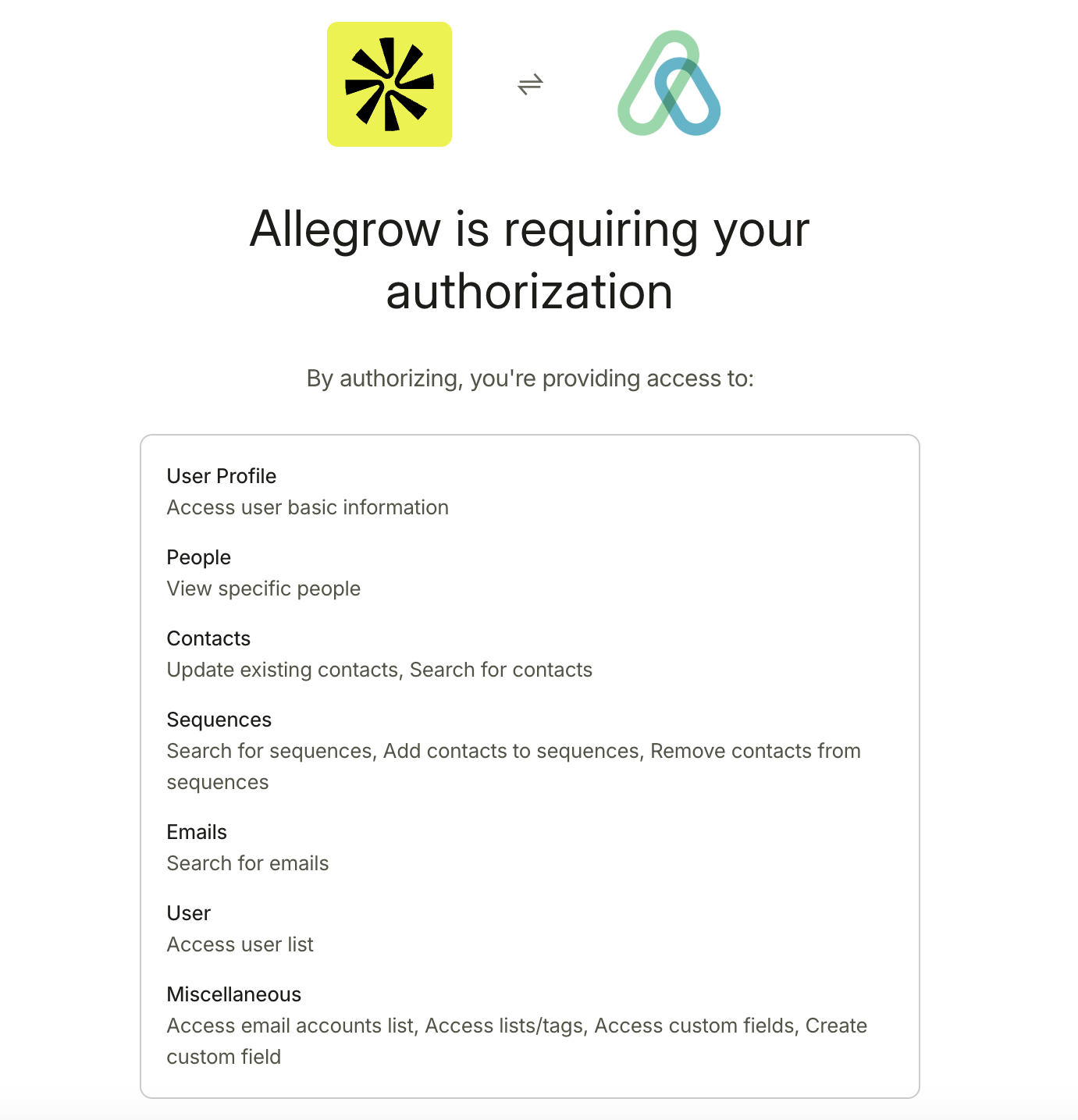
- Authorize Allegrow by selecting the correct Apollo account and clicking Authorize.
- Important: make sure your Apollo Admin is shown as the connected user. Otherwise, the Safety Net may not apply across all your users.
- In Apollo, create a Workflow with the trigger "Contact added to sequence", with Sequence set to "In Any Sequence".
- Add an action to the Workflow, choose Send Webhook, and set the Method to POST.
- Return to Allegrow and open Step 2 to find the Webhook URL, Header Key and Value, and Body. Copy each into Apollo.
- Important: in the Body, replace {{contact.email}} with the Dynamic Variable selected from Apollo's menu.
- Click Test connection. You should see a success notification in Apollo and a Webhook verified badge in Allegrow.
- Back in Apollo, open Workflow Settings, scroll to Re-enrollment, and change it to Every run.
- Important: this is what ensures contacts are always checked and unsafe contacts are always removed.
- Allegrow will display every mailbox in your Apollo instance. Enable the Safety Net for the users running outbound, up to your package allowance.
- Enable custom fields so Allegrow writes each outcome back to the Allegrow Risk Analysis property in Apollo.
You can find more in-depth guidance on the connection process, including annotated pictures of each page in the process, in our help center guide on Apollo integration. Post-connection, our guides on using custom fields and building Apollo Workflows around them cover how to act on each prevention. Your team can view these on demand, or with the assistance and guidance of the dedicated customer success manager assigned to your account and introduced to you over email on or before your start date with Allegrow.
Support Apollo.io Integration
Allegrow provides a dedicated Customer Success Manager (CSM) as your primary point of contact for anything related to the Apollo integration: setup, best practices, and ongoing optimization. You'll also have access to multiple support channels so your team can get help in the way that suits them best.
How we support you:
- Zoom meetings scheduled directly with your CSM
- Email support with your CSM for quick questions and follow-ups.
- Live chat via in-app customer support for time-sensitive issues.
- Self-service documentation in our help center, including annotated HubSpot integration guides and post-connection setup steps.
- Knowledge base articles with repeatable best practices for protecting sender reputation and inbox placement.
- Included deliverability reviews (e.g., spam reviews and rewrite examples); the total number available depends on your plan.
Your CSM will proactively reach out to align stakeholders, help wire Apollo Workflows around the "Allegrow Risk Analysis" field so preventions route into call and LinkedIn sequences rather than stopping dead, and review automated reputation reports and alerts during your subscription. If you prefer, you can also request time on your CSM's calendar to troubleshoot, plan changes, or run a quick health check on your Apollo setup.

.png)